Find your starting point.
Open a page in Surf. Ask a question with the source in view.
SURFOne workspace for the thinking,
the making, and the getting it done.
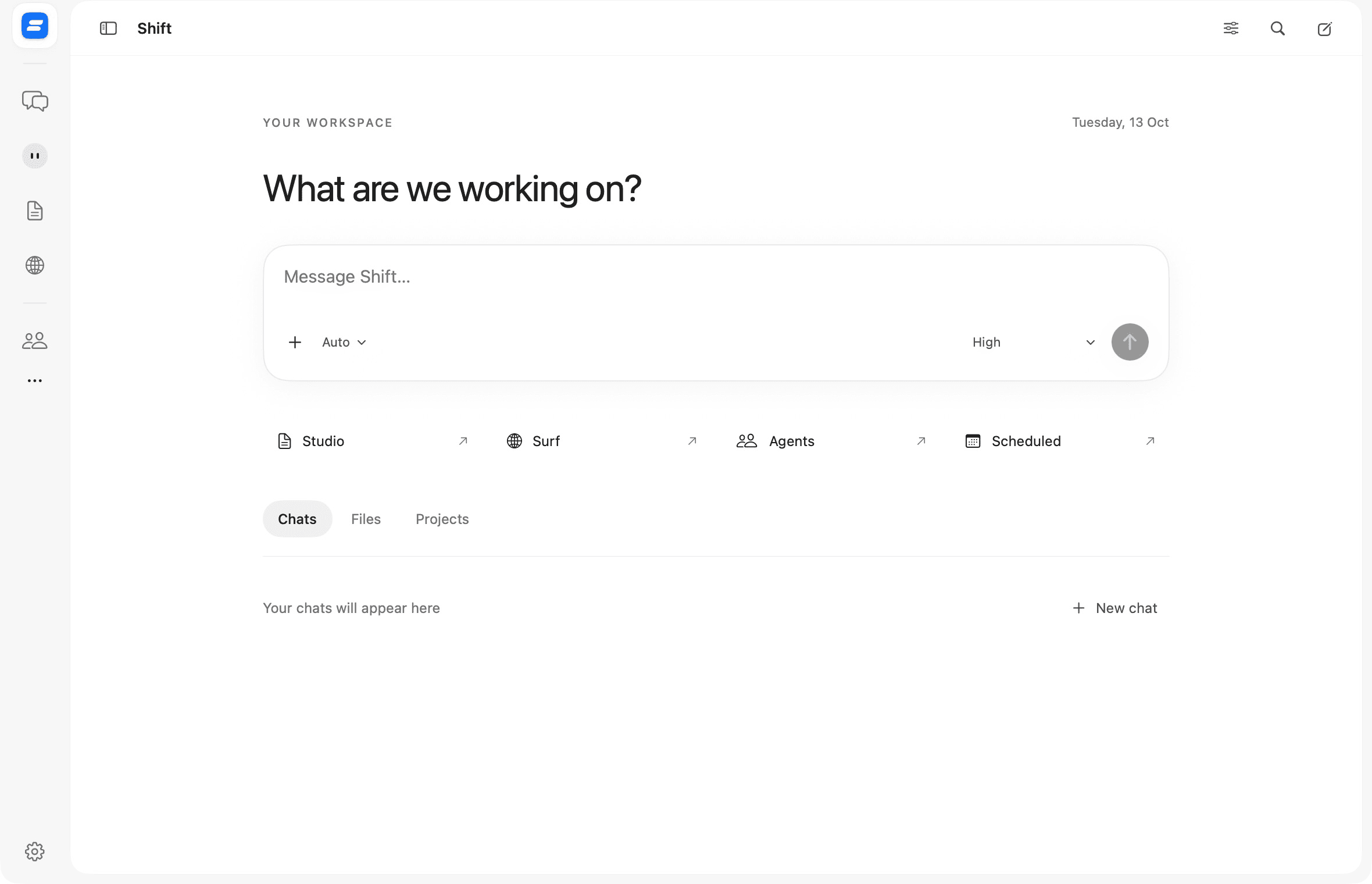
The useful part is what happens next. Shift brings your assistant, browser, and creative work together, so an answer can become something you can actually use.
Chats, projects, agents, and scheduled tasks. Keep the context together, and let Shift help with the work across your Mac.
Conversations → Actions → ResultsBrowse with your questions close by. Ask about the page in front of you, organise your tabs, and bring useful findings back into your work.
Browse → Ask → Bring it back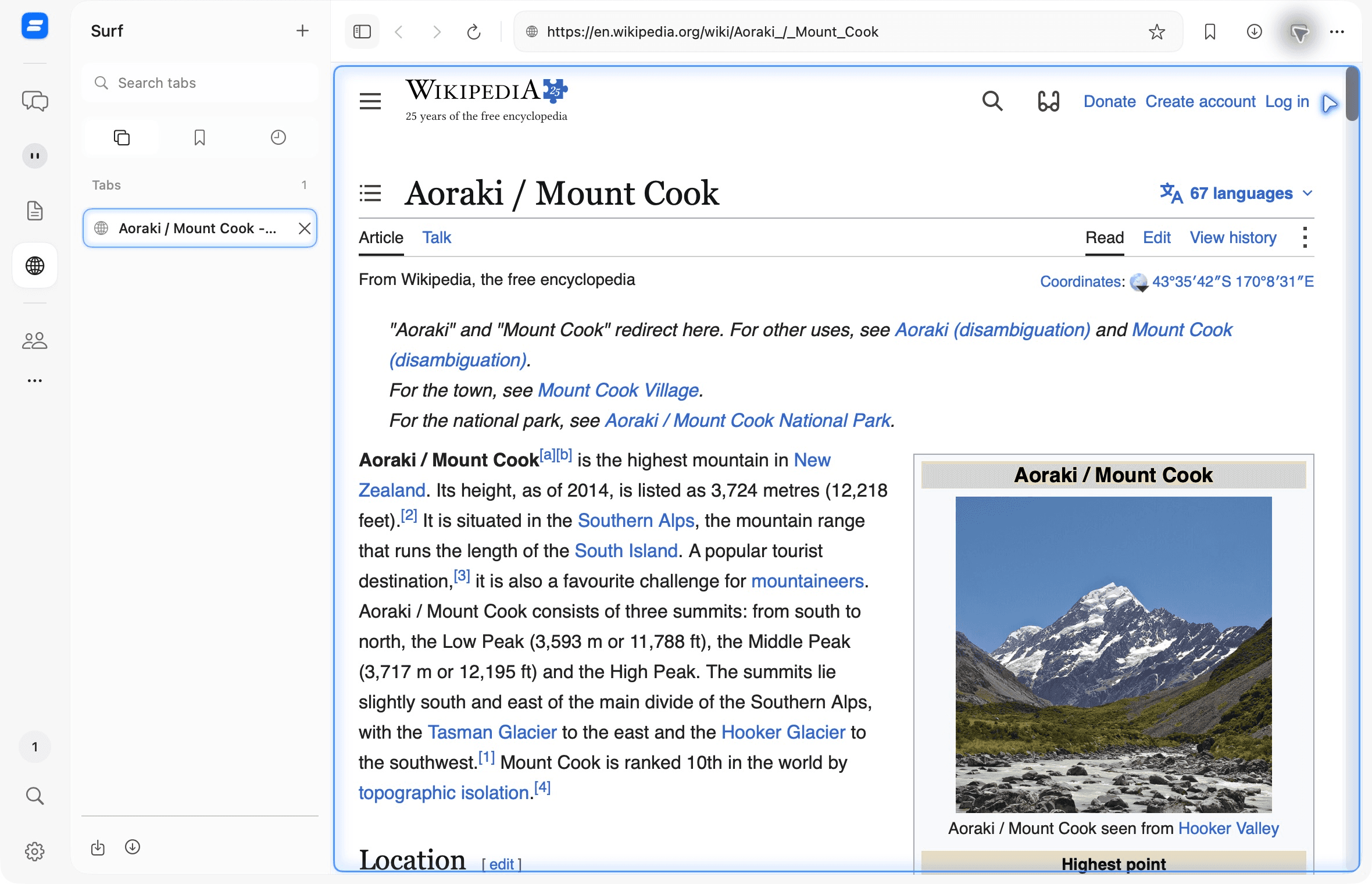
An editable document. A working spreadsheet. The beginnings of a presentation. Create with Shift inside your work, then review and refine it.
Documents · Spreadsheets · Presentations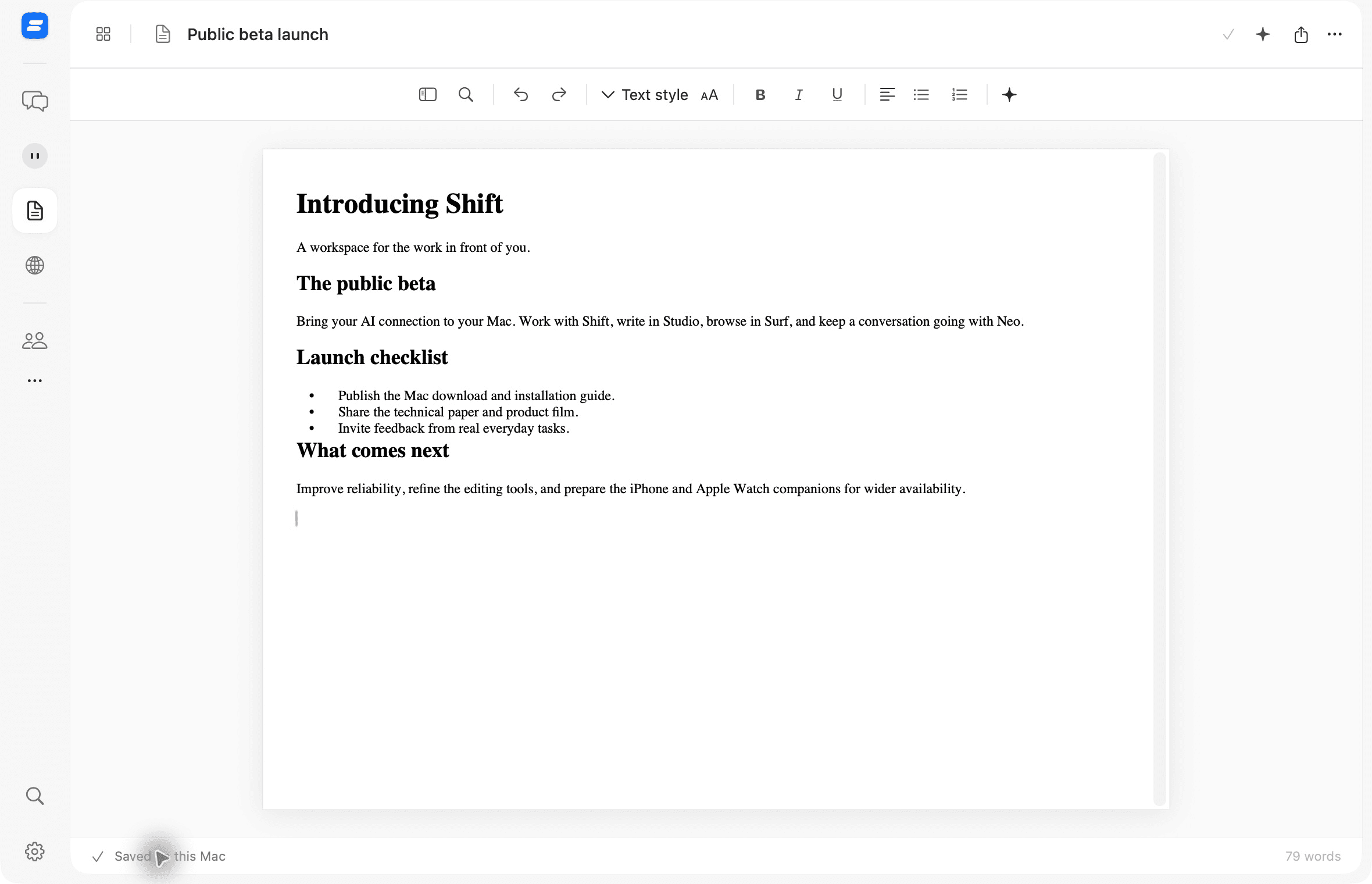
A conversation for your questions, plans, and next steps. Personalise Neo, bring the context, and think it through together.
Your conversation, carried forward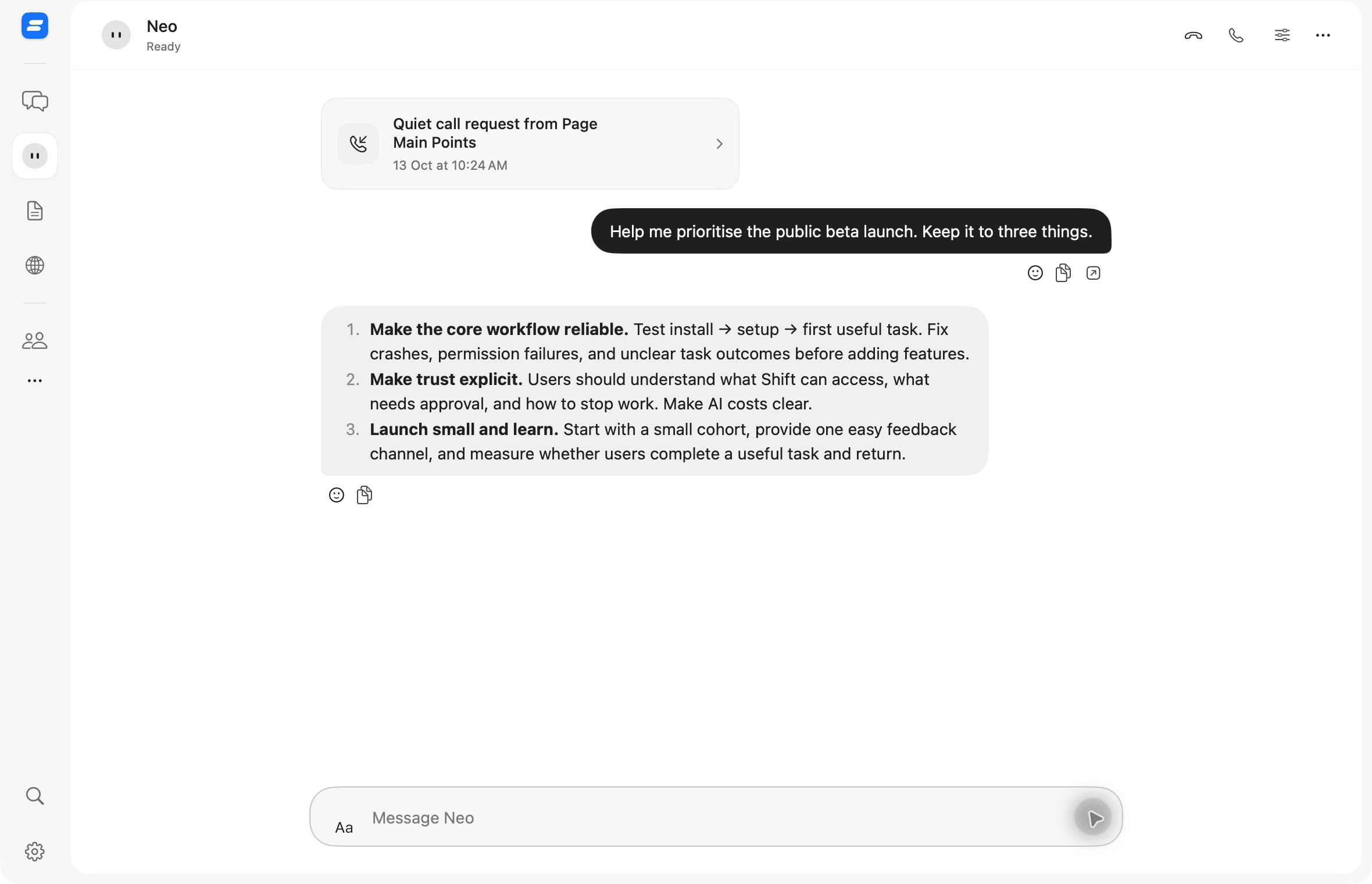
Choose how Shift fits
into the way you work.
Hold Command to bring Shift into the task in front of you.
A simpler path from a question
to a piece of work.
Open a page in Surf. Ask a question with the source in view.
SURFBring an answer into Studio. Edit the draft and review proposed changes.
STUDIOBring the context to Neo. Talk through the next step, then keep going.
NEOSign in, connect your AI, choose permissions, and tell Shift a little about how you work.
Set up ShiftConnect a supported AI provider or use a local model with Ollama. Provider fees are separate.
Enable the Mac permissions and shortcuts you need. Manage them again in Settings.
A short setup conversation helps personalise your workspace and suggested agents.
How the pieces fit together, what the system can do, and what still needs work.
Shift is a native Mac workspace for conversations and agents, with an integrated browser, editors, and a personal assistant. With your permission, it can observe and interact with other apps on your Mac. It is a public beta: capabilities and reliability are still being developed.
Yes. The Shift public beta is free to download. You connect your own supported AI account, API key, or a local model through Ollama. Provider subscriptions and API usage are separate; connecting a service does not make that service free.
This build is for Apple silicon Macs running macOS 26.2 or later. Intel Macs and Windows are not supported by this download.
This beta is development-signed and has not been notarized by Apple. macOS may block the first launch. After attempting to open Shift, use System Settings → Privacy & Security → Open Anyway if you choose to proceed. Features that control or observe your Mac also need the permissions explained during setup.
Companion apps for iPhone and Apple Watch are being prepared for wider availability. They are not yet available to everyone, and this download contains the Mac app only.
Your selected AI connection processes the prompts and task context sent to it, which may include page content or screen observations. Cloud-connected features also use your Shift account. Review provider policies and the permissions you enable, and avoid giving the beta sensitive tasks you cannot check.
 YOUR NEXT TASK STARTS HERE
Free public beta · Apple silicon · macOS 26.2+