Start with a messy idea.
You don’t need to know which tool to open. You just need somewhere to begin.
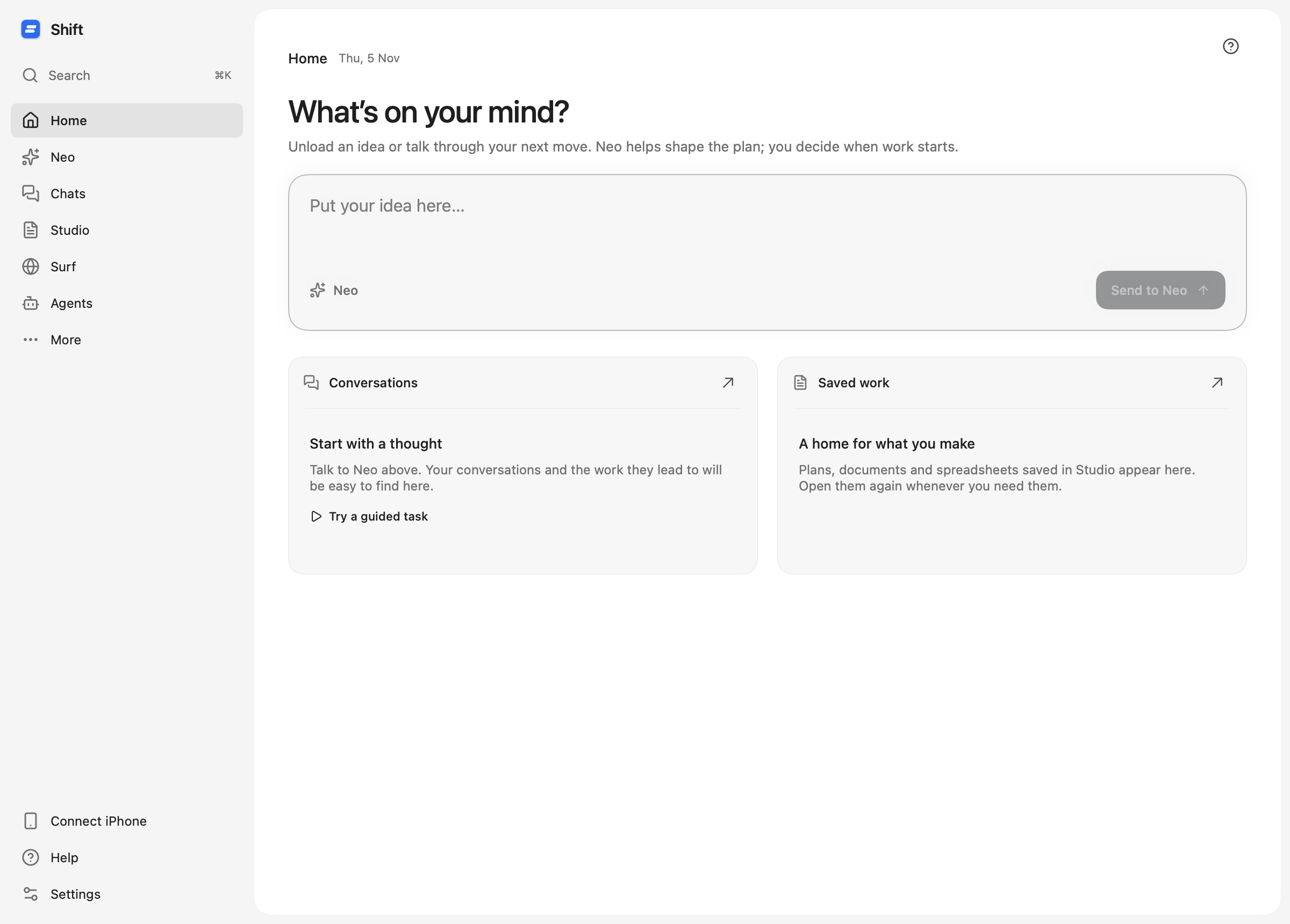
Some work starts as a clear task. More often, it starts as a handful of thoughts: something to plan, something to look up, and a page you want to have at the end.
Home gives those thoughts a place to land. Write in “What’s on your mind?” and send the idea to Neo. Your unsent draft stays there when you move elsewhere in the workspace.
1. Say what you have. Say what you need.
Start with your own words. Include the context you already know and what would make the result useful. A deadline, a budget or the people involved can help; a carefully formatted prompt is optional.
“I’m putting together a small weekend project, but my notes are scattered. Help me turn them into a one-page plan. Ask what you need to know before suggesting the steps.”
Then add your notes. Keep passwords, private account details and anything unnecessary for the task out of the conversation.
2. Let the plan become clear.
Neo can ask a question or suggest a plan. Read the proposed steps and their outputs. Does it understand your goal? Is it researching something you wanted checked? Will the result be a page, an answer, or work in an app?
If the scope is wrong, ask for a change before approving it. Sending the idea from Home starts the planning conversation; it does not approve the work. That pause is a useful moment to turn a vague intention into a task you actually want done.
3. Follow the work, then keep the result.
After approval, the workspace can handle the pieces of the plan together. Chats can work through a question, Surf can check web sources, and Studio can hold an editable page. The plan connects the steps so you can follow what is happening and open their results.
When a page is saved in Studio, read it, adjust it and keep using it. Check sources and important facts. A saved document is a starting point for your next decision, not a reason to skip reviewing the work.
Start smaller when you’re unsure.
Try one useful output first: a short project plan, a comparison of two options, or a page of questions for a meeting. Smaller scope makes it easier to understand the plan, judge the result and decide what to do next.
When you return, Home brings recent conversations and saved work back into view. You can pick up the thread instead of starting the explanation again.